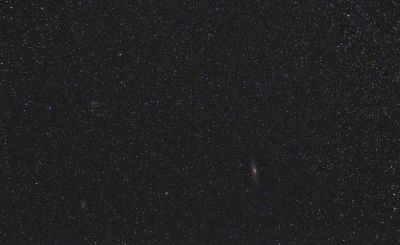
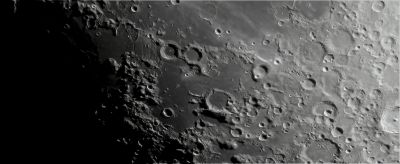
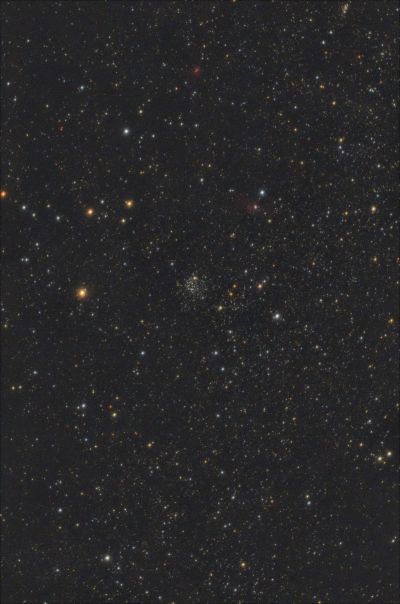
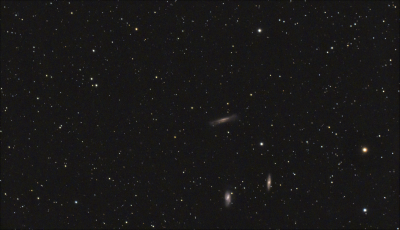
Thank you for sharing your photos - this is exactly what this project is all about! :-)
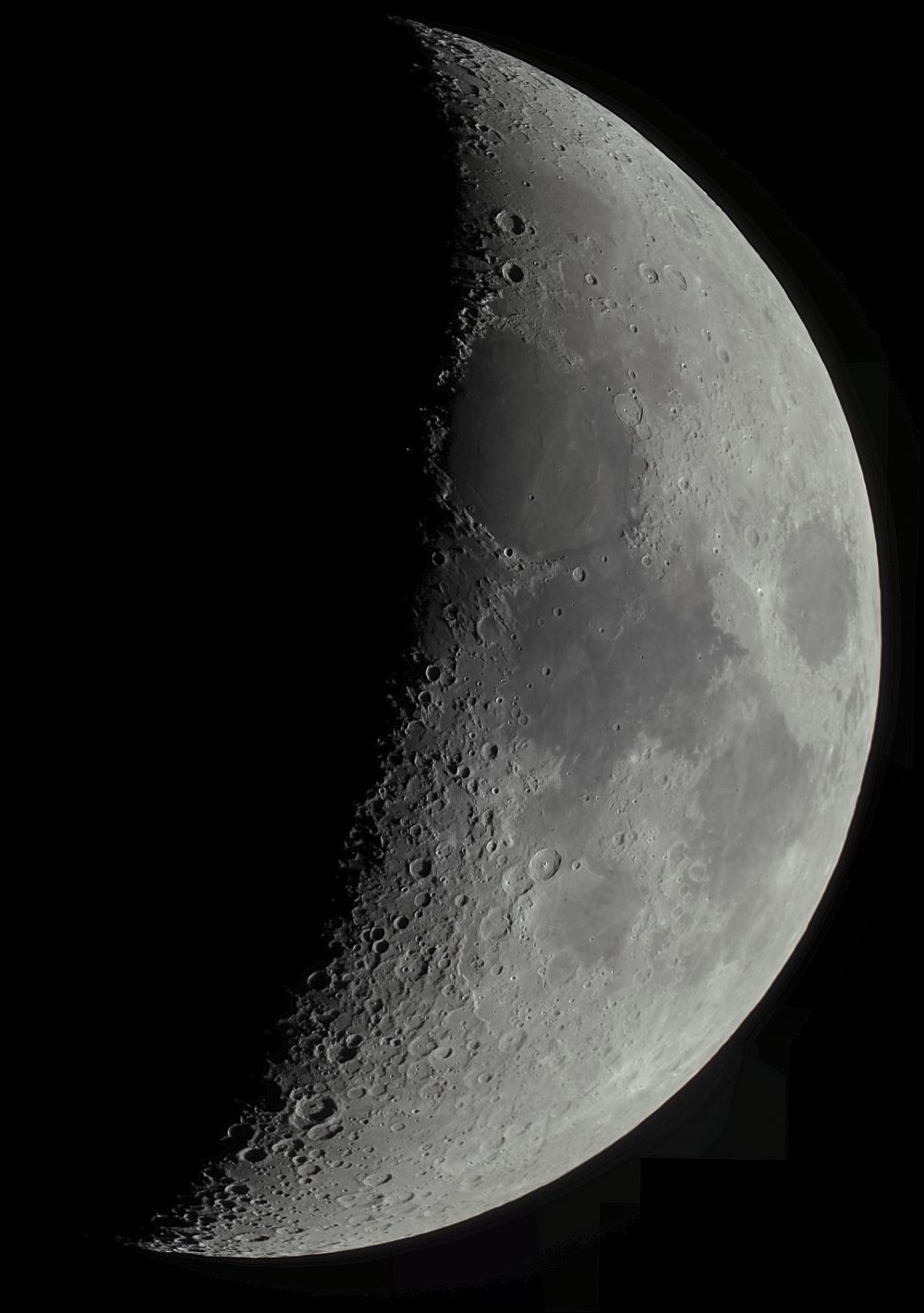
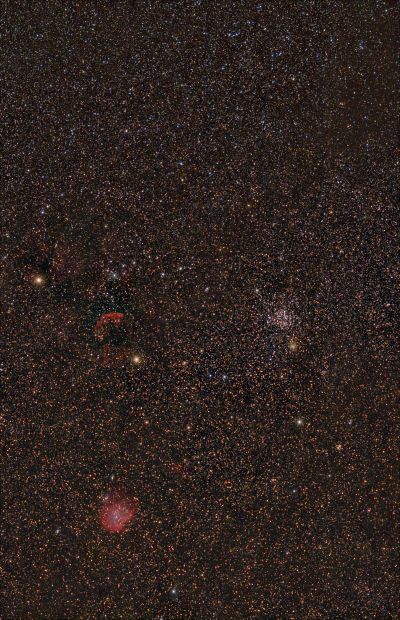
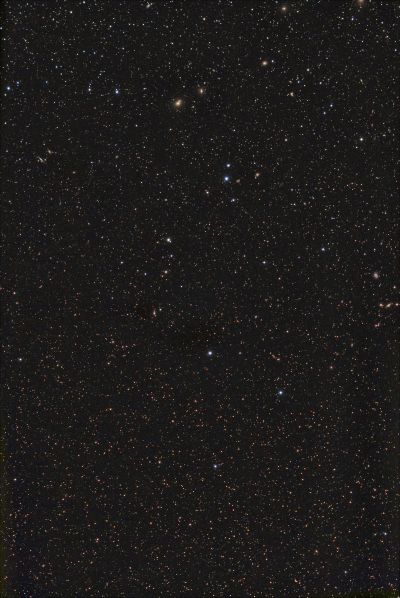
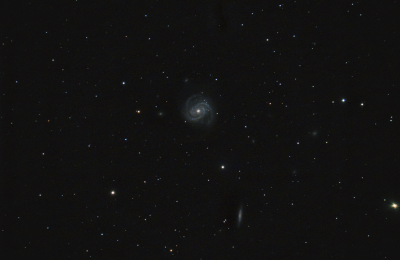
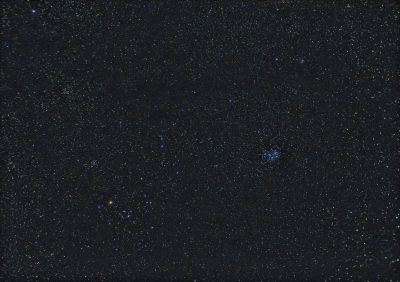
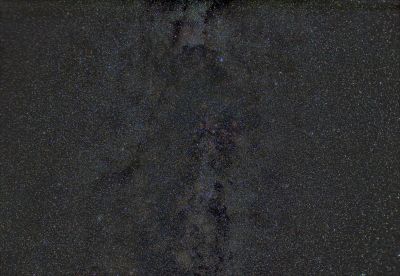
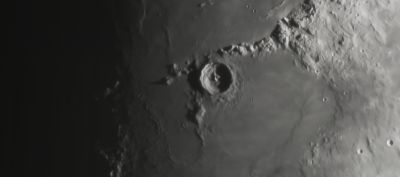
Seven video clips, each 3 minutes and 30 seconds long at 30 frames per second, with 10 to 20% of frames stacked. There was noticeable variable haze—I pulled out as much detail as I could, but some artifacts appeared against the black background. I don’t yet know what they are or where they came from. If anyone has insight, please let me know.
Background artifacts? This is due to haze (the background is gray), while the black background indicates no signal. If I understand the issue correctly, it's better to capture with a significant portion of dark sky (around 20-25%) so that after stitching the panorama, such transitions don't occur.
You can fix it... Go into Photoshop, click at the top: Image/Adjustment/Levels. Drag the left slider until the artifacts in the dark area disappear. For the ideal result, the sky should be as dark as possible with minimal noise.
You can fix it... Go into Photoshop, click at the top: Image/Adjustment/Levels. Drag the left slider until the artifacts in the dark area disappear. For the ideal result, the sky should be as dark as possible with minimal noise.

Comments
Comments are available only to registered users. Register or log in to leave a comment.