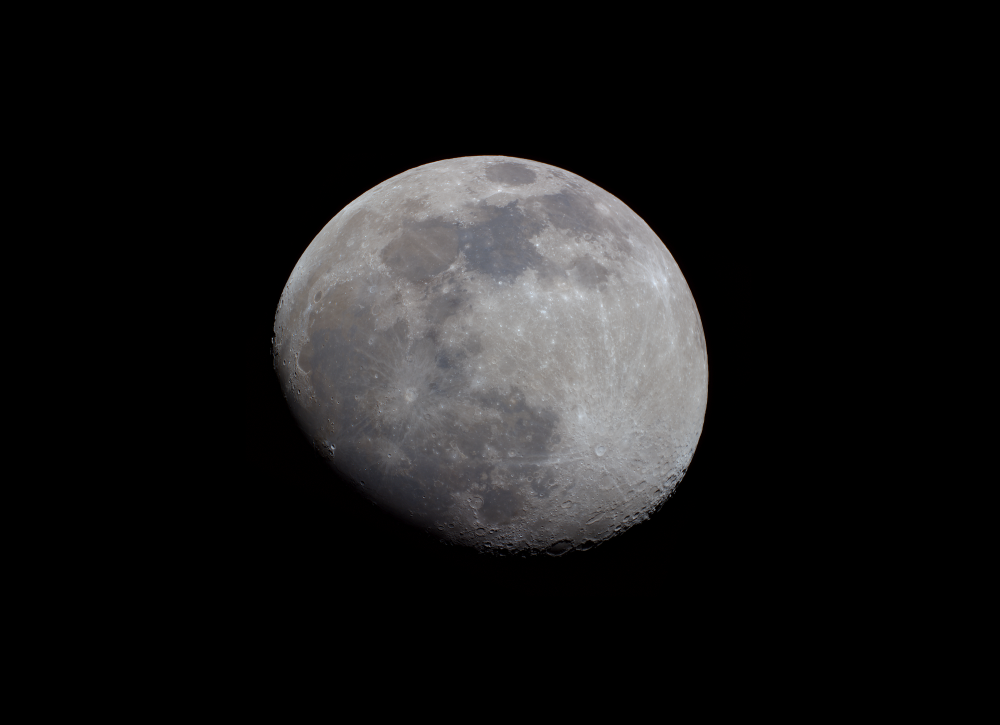
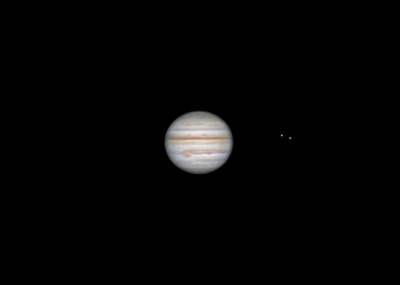
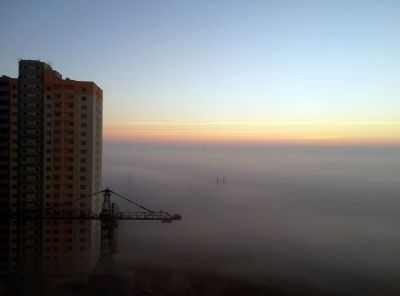
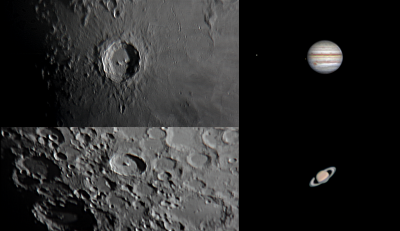
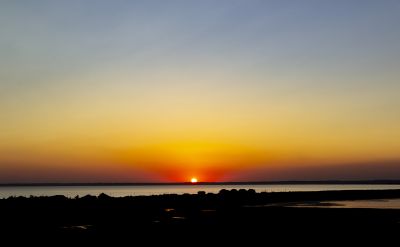
Open Photoshop. Now take a photo that has chromatic aberration, dispersion, or other colored artifacts. Make 2 copies. You'll have 3 layers of the same photo. Next, turn off the top layer (so you can compare with the result later), take the third bottom layer and make it black and white. Then select the second layer and go to Gaussian Blur, now blur it enough so that all colored artifacts disappear (I usually set it to 50-200). Now select the blurred layer and set the blending mode to "Color" or "Luminosity," I don't remember exactly. Done. Merge the layers and you can add a bit of saturation. I'll record it now and send it.

Comments
But it wouldn't be bad.
Comments are available only to registered users. Register or log in to leave a comment.